Introduction
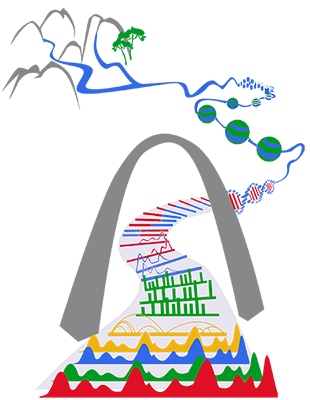
Gateway to the epigenome. (Art by Ting Wang)
The WashU Epigenome Browser is a web-based genome browser for exploring genomic and epigenomic data. It runs entirely in your web browser: track files are read directly from where they are hosted (or from your own computer), and only the part of each file needed for the region on screen is fetched.
This documentation describes the current generation of the Browser, available since 2025 at https://epigenomegateway.wustl.edu/browser/.
Basic usage
- Pick a genome. Choose one of the built-in genome assemblies, or add your own. See Pick a genome.
- Move around. Search for a gene, a SNP or a region, then pan and zoom. See User interface.
- Add annotation and public data tracks. The Browser gives access to public datasets from consortia such as ENCODE, 4DN, Roadmap Epigenomics and IHEC. See Add and customize tracks.
- Add your own data. Show files hosted on a web server by their URL, or files on your own computer. See Track file formats, Local tracks and Datahub.
- Analyze and share. Use the Apps for region sets, gene plots, screenshots and more, and keep or share your work as a session or a link.
Where to find what
| I want to… | Read |
|---|---|
| learn the interface | Use the Browser |
| know which file formats are supported and how to prepare them | Tracks |
| describe many tracks in one file | Datahub |
| build a link that opens the Browser on my data | URL parameters |
| compare genomes | Comparative browsing |
| view 3D genome structure | 3D structure |
| run my own copy, or embed the Browser in my web application | Run your own copy |
| add a genome or a track type to the code | Developer guide |
History
current generation since 2025
the 2nd generation since 2018
the 1st generation since 2010 (retired)
- The 1st generation browser is no longer online. Links made for it (
/legacy/?genome=...&datahub=...) open in the current browser, which converts the datahub on the fly, see legacy links. - Source code
- Documentation
Questions or feedback?
- Please submit an issue request. We will try to get back to you as soon as possible.
- Talk to us on our Discord server.
- More ways to reach us, and how to cite the Browser, are on the Contact us page.